에뮬 바로 플레이
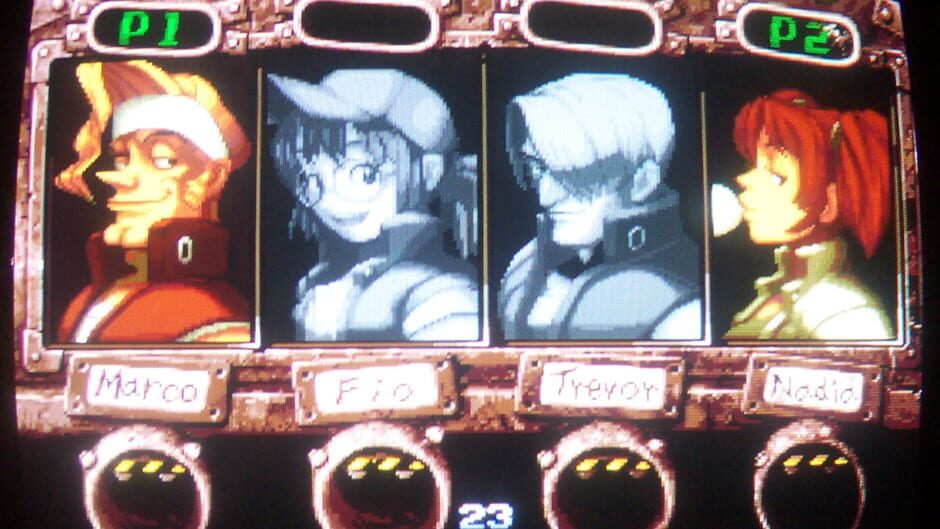
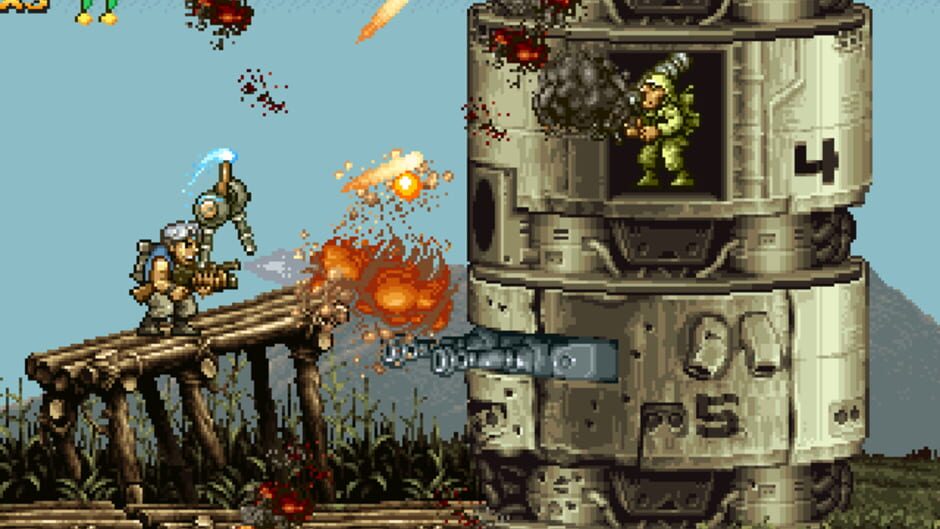
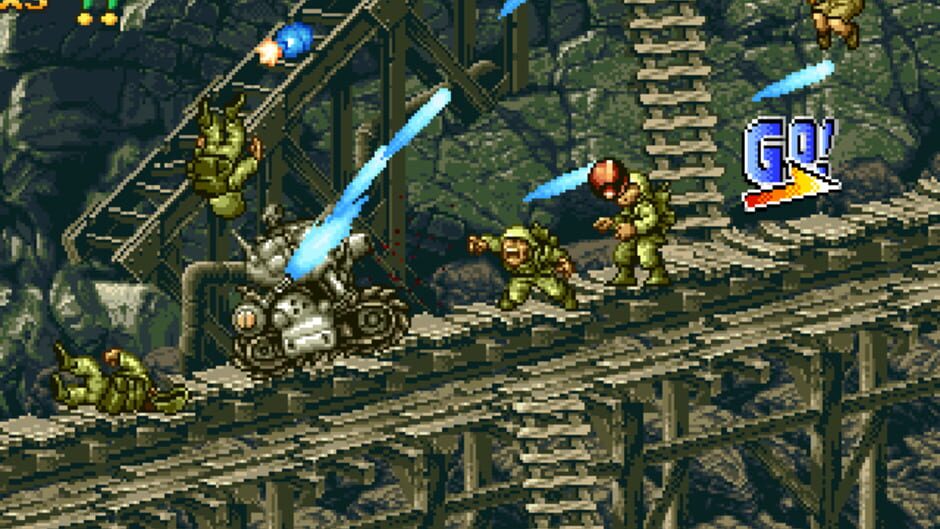
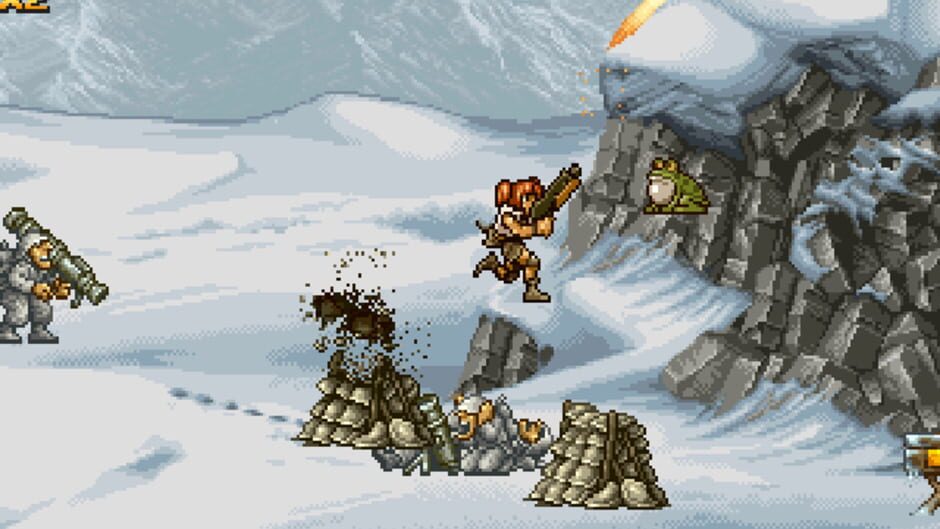
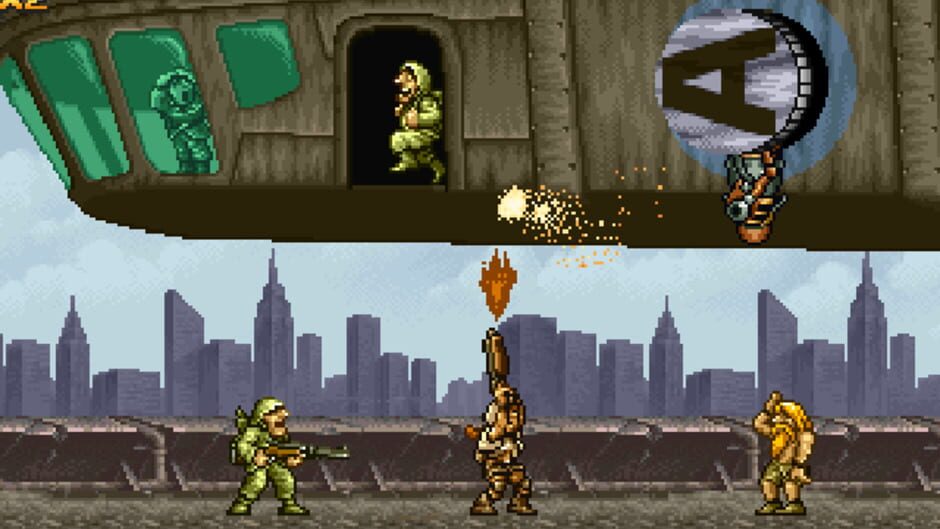
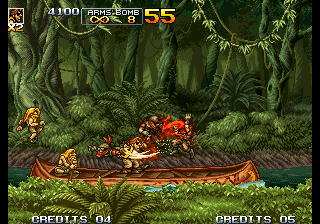
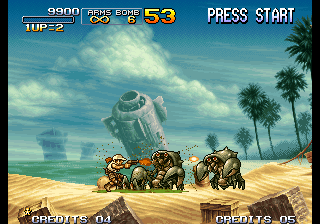
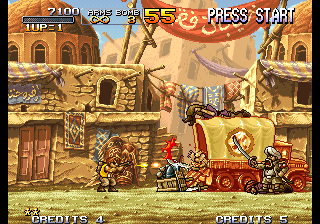
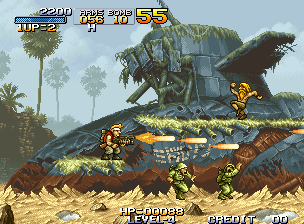
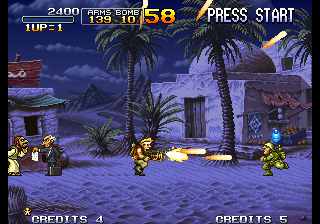
메탈 슬러그 4 (Metal Slug 4) 플레이 화면입니다.
메탈 슬러그 4 (Metal Slug 4)
추가 정보
메탈슬러그 3 사건이 일어난 지 1년 후, 세계는 모든 국가의 군사 컴퓨터 시스템을 공격하고 파괴하겠다고 위협하는 신비롭고 치명적인 사이버 바이러스의 새로운 위협에 떨고 있습니다. Tarma와 Eri는 문제에 대한 자신의 임무로 인해 도움을 줄 수 없기 때문에 Marco와 Fio는 상황을 조사하기 위해 호출되고 두 명의 새로 온 Nadia와 Trevor와 합류합니다. 조사에서 그룹은 아마데우스로 알려진 테러 조직이 사악한 음모의 배후에 있으며 사이버 바이러스가 전 세계의 군사 컴퓨터 시스템을 제거할 기회를 얻기 전에 사이버 바이러스를 파괴하기를 희망하면서 아마데우스 군대에 맞서 전투를 벌인다는 사실을 발견했습니다.
개발 · BrezzaSoft, Noise Factory, Playmore, Mega Enterprise
배급 · Noise Factory, Playmore, Mega Enterprise, SNK
원문 정보 보기
외부 수집 정보는 원문 기준이라 영어로 표시될 수 있습니다.
One year after the events of Metal Slug 3, the world is trembling under the new threat of a mysterious but deadly cyber virus that threatens to attack and destroy any nation's military computer system. With Tarma and Eri unable to help due to their own assignments in the matter, Marco and Fio are called in to investigate the situation and are joined by two newcomers, Nadia and Trevor. In their investigation, the group discovers that a terrorist organization known as Amadeus is behind the nefarious plot and that they head into battle against Amadeus' forces, hoping to destroy the cyber virus before it gets the chance to wipe out the entire world's military computer system
One year after the events of Metal Slug 3, the world is trembling under the new threat of a mysterious but deadly cyber virus that threatens to attack and destroy any nation's military computer system. With Tarma and Eri unable to help due to their own assignments in the matter, Marco and Fio are called in to investigate the situation and are joined by two newcomers, Nadia and Trevor. In their investigation, the group discovers that a terrorist organization known as Amadeus is behind the nefarious plot and that they head into battle against Amadeus' forces, hoping to destroy the cyber virus before it gets the chance to wipe out the entire world's military computer system.
관련 링크 · 관련 사이트 · 관련 사이트 · 관련 사이트
출처 · IGDB
비슷한 게임
게임패드 안내
브라우저 에뮬은 연결 순서 한 끗이 중요합니다. 여기만 보면 거의 길을 찾습니다.
- 패드를 먼저 연결한 뒤 플레이어를 한 번 클릭합니다.
- 에뮬 설정에서 Controls 또는 Input 매핑을 열어 버튼을 다시 잡습니다.
- 입력이 멈춘 것처럼 보이면 페이지를 새로고침한 뒤 다시 눌러 주세요.
- 고전 콘솔은 아날로그보다 십자키가 더 또렷할 때가 많습니다.
- 모바일에서는 터치 오버레이와 패드가 겹칠 수 있어 하나만 쓰는 편이 깔끔합니다.
- 아케이드 게임은 코어에 따라 키 배치가 달라질 수 있습니다.


댓글
플레이한 느낌이나 팁을 남겨 주세요.